
💻 Lesson 10: The Fake Tech Support Scam | Digital Dharma
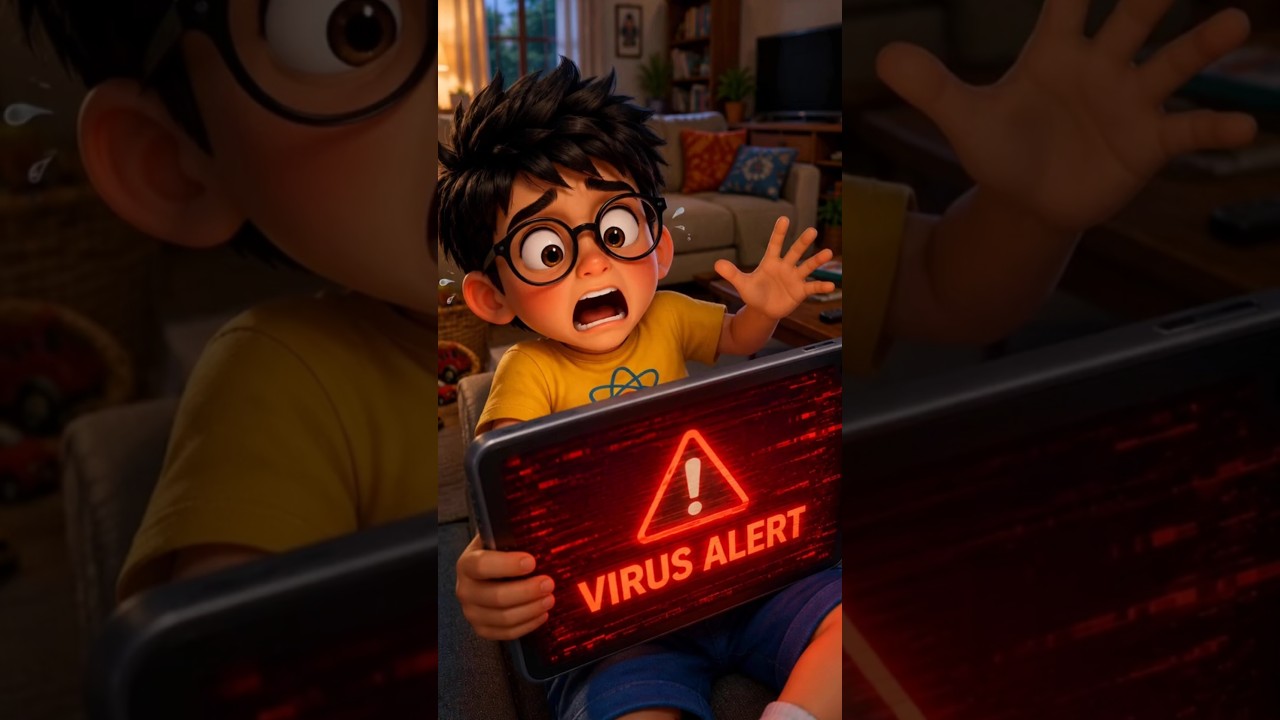
🛡️ Digital Dharma: Fake Virus Alert Scam! 🚨
Have you ever seen your screen suddenly flash red with a loud "VIRUS DETECTED!" warning? What if that scary popup wasn't a virus at all — but bait, placed there by a scammer waiting on the other end of a phone line?
In our latest Digital Dharma episode, Lokesh and Varsha tackle one of the most damaging cyber threats to families today: Tech Support Scams & Remote-Access App Takeovers
"⚠️ VIRUS DETECTED! Call our support number immediately to protect your device!"
🧠 What is a Tech Support Scam?
A Tech Support Scam is when someone poses as a company representative — claiming your device has a virus or your account is blocked — to trick you into giving them remote access, passwords, or money.
How Scammers Do It:
🛑 How Scammers Trick You
Scammers use the same fear-first playbook again and again:
- Fake Virus Popups: Loud, flashing warnings that pressure you to call "support" instantly.
- Impersonation Calls: Claiming to be from Microsoft, your bank, or an antivirus company — the same trick that nearly fooled everyone.
- Remote Control Requests: Asking you to install an app so they can "fix" the problem — while secretly opening your banking apps.
🛡️ The Ultimate Digital Dharma Shield: 📴 The Hang-Up-First Rule!
How do you protect your family when even a "virus alert" can look completely real? Varsha shares the golden rule of cyber safety: Hang Up First, Verify Later.
1. Hang Up First 📴
If a call or popup makes you feel scared or rushed, disconnect immediately — before doing anything else.
2. Verify Through Official Channels 🔍
Never call the number on the popup. Instead, look up the company's official support number yourself and check directly.
3. Never Install for a Caller 🚫
No real support agent ever needs to control your whole screen. As Varsha reminded Lokesh: "If they ask for remote access, that's your answer — it's a scam!"
🎯 Quick Takeaways for Digital Detectives
❓ Digital Dharma FAQ
It's when someone poses as a company representative — like Microsoft, a bank, or an antivirus company — and claims your device has a virus or your account is blocked, to trick you into giving them money, remote access, or banking details.
Apps like AnyDesk are legitimate remote-access tools, but scammers misuse them to see and control your screen in real time — including opening banking apps and viewing OTPs.
Watch for three signs: it creates urgent fear, it comes from an unknown caller or unexpected popup, and it asks you to install a remote-access app or share an OTP. Genuine alerts never combine all three.
Uninstall the app immediately, turn off Wi-Fi/mobile data to cut the connection, change your banking and email passwords from a different trusted device, and contact your bank's official helpline to flag possible fraud.
No. Legitimate companies and banks do not cold-call customers about viruses or ask them to install remote-access software. If you didn't contact them first, treat the call as suspicious.
💬 Over to You!
Has a scary popup or "urgent" call ever tricked someone in your family? Talk to your parents today about the Hang-Up-First Rule!
Stay curious, stay cautious, and stay safe online, Digital Detectives! 🕵️♂️✨