
🛡️ Digital Dharma Series | Krishna’s Timeless Wisdom for the Digital Age
Digital Dharma: Cyber Safety Lessons for Kids with Lokesh, Varsha and Krishna
Digital Dharma is a series of short animated lessons in which Krishna teaches Lokesh and Varsha how to stay safe online. Each lesson takes one everyday risk, from fake links and weak passwords to AI voice scams and "digital arrest" calls, and ends with a rule a child can remember.
The series grew out of my storyboard Krishna's Cyber Lesson, which won the State Level Second Prize in the MeitY ISEA National Competition 2025 (Safer Internet Day, cybersecurity cartoon storyboards). You can see the winners list on the official ISEA site. I built the animated lessons on my phone, in Chennai.
The 10 lessons
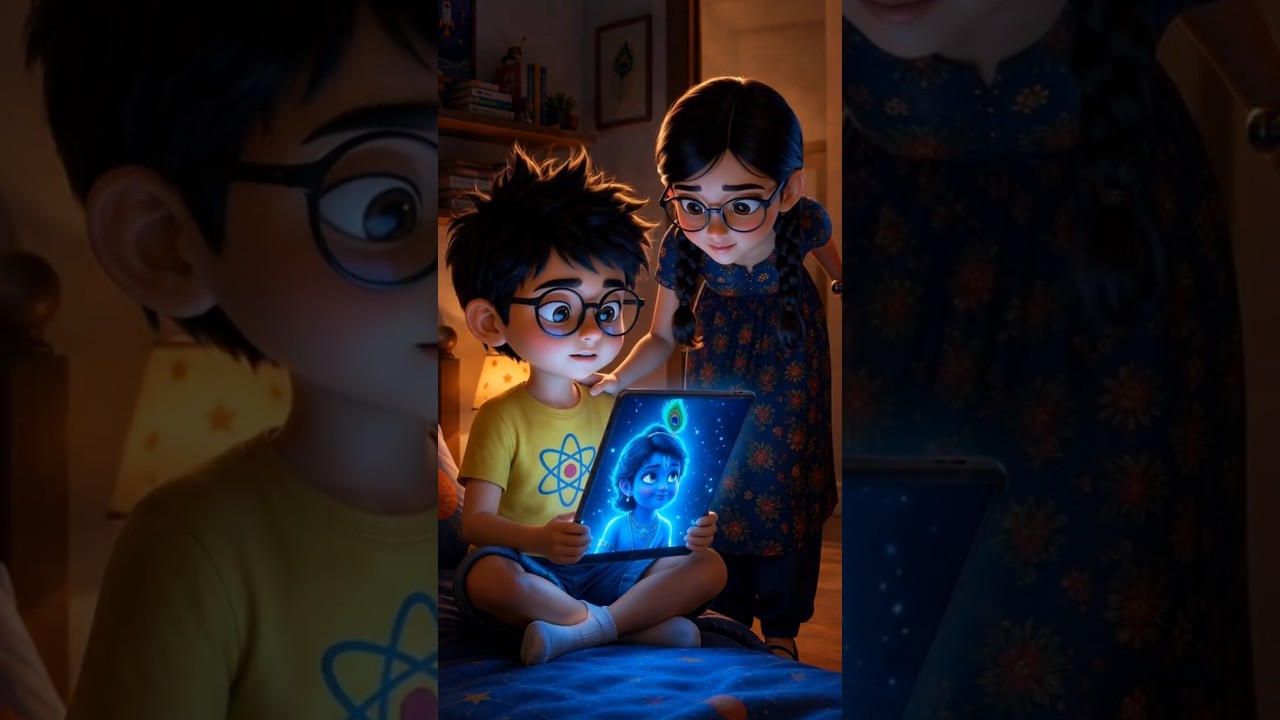
🛡️ Lesson 1: The Divine Log-In
Krishna appears on Lokesh's laptop and shows Lokesh and Varsha how to move around the digital world safely.
Start here. The other lessons build on this one.
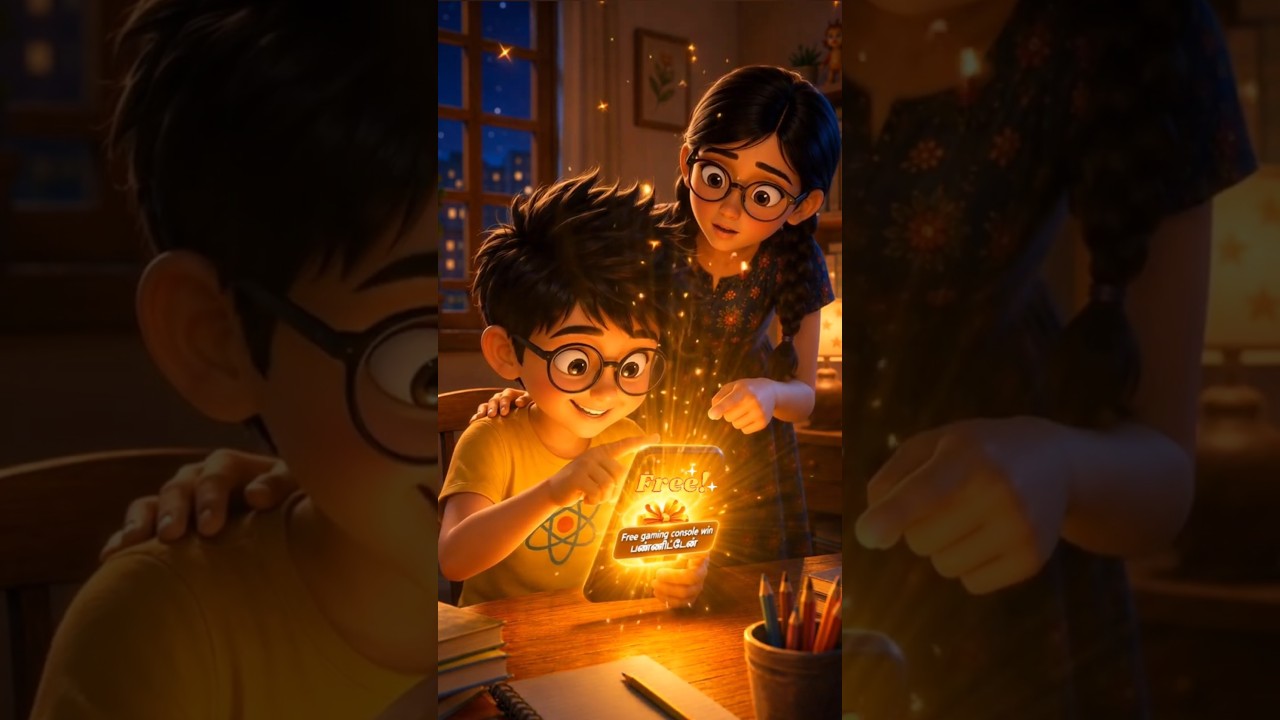
🦌 Lesson 2: The Golden Deer
The golden deer in the Ramayana was an illusion, and the digital world is full of tempting but risky links. Learn how to spot the tricks.
Remember: a tempting link is not always a safe one. Look before you tap.
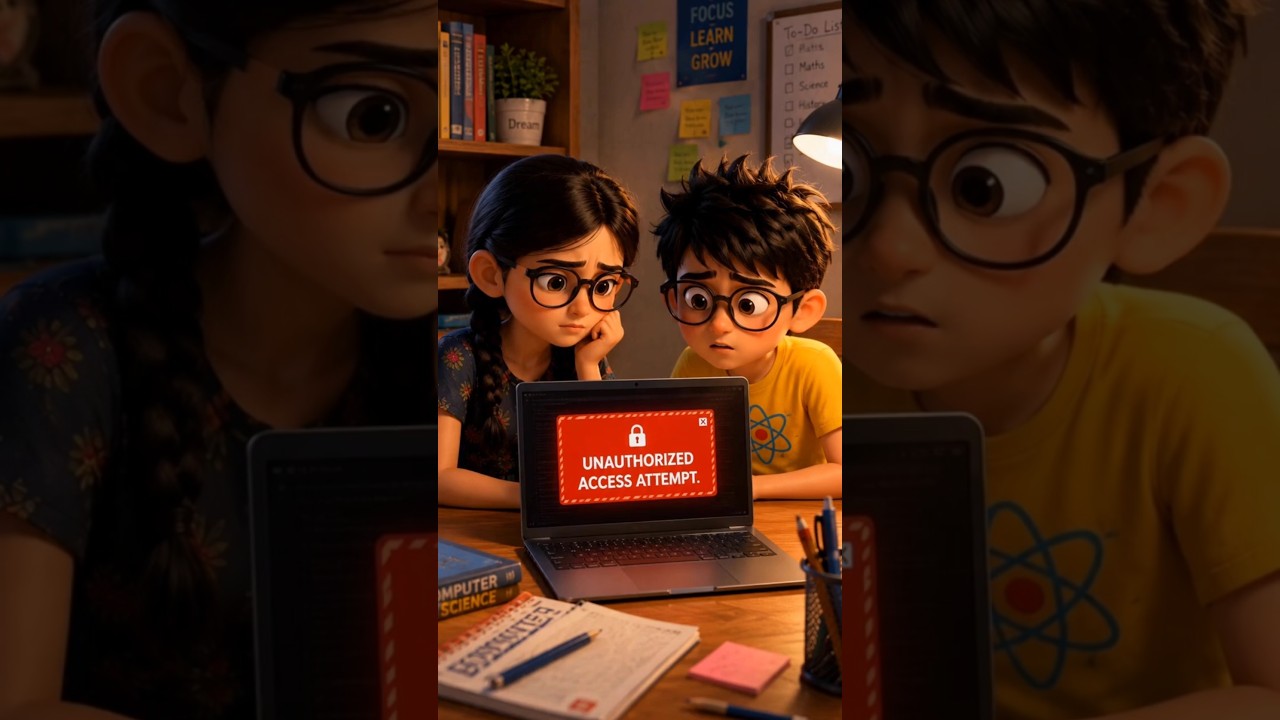
🔐 Lesson 3: The Digital Lock
Krishna shows Lokesh and Varsha how to make strong passwords that protect their accounts and keep private details safe.
Remember: use a strong password and keep it private.
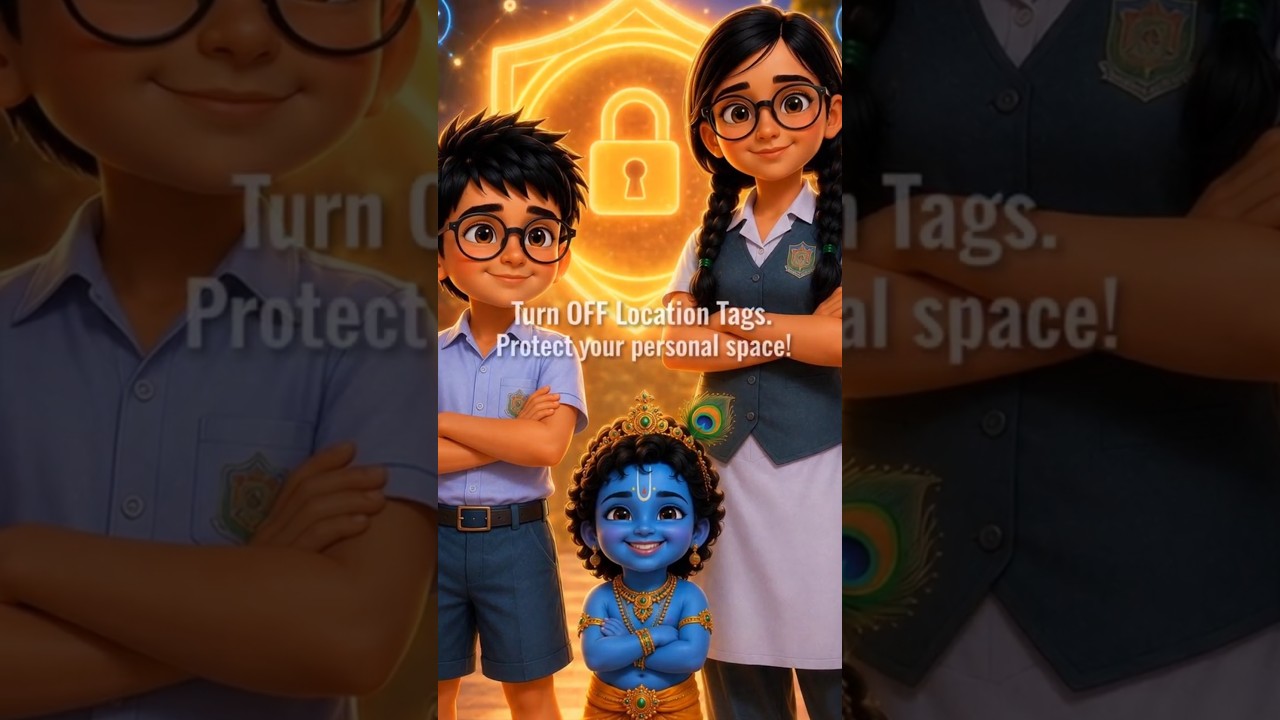
👣 Lesson 4: The Permanent Path
Everything we do online leaves a lasting footprint, so Krishna asks Lokesh and Varsha to think twice before posting.
Remember: think before you post. The internet keeps what you share.
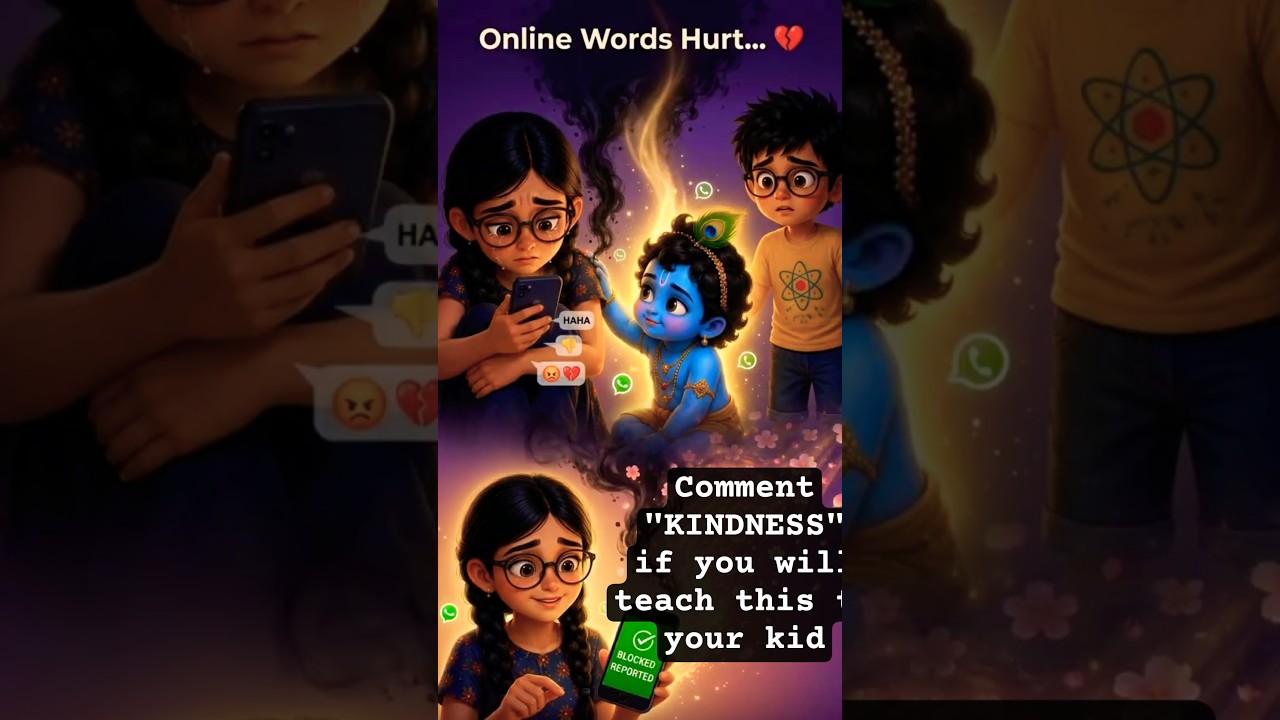
💬 Lesson 5: The Power of Words
Krishna guides Lokesh and Varsha to communicate kindly online, because digital words can heal or hurt.
Remember: choose kind words online, just as you would face to face.
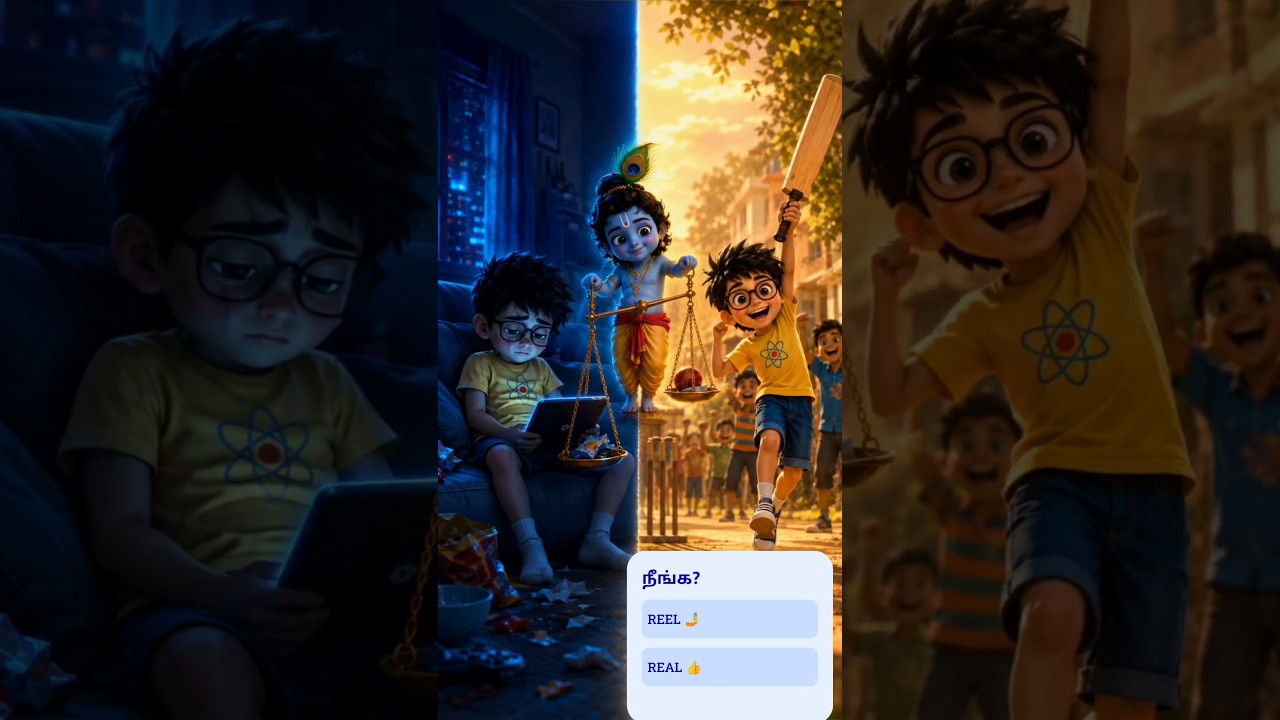
⚖️ Lesson 6: Finding Balance
Technology is a tool, not a master. Krishna helps Lokesh and Varsha step away from screens and enjoy the real world.
Remember: take screen breaks and make time for people and play.
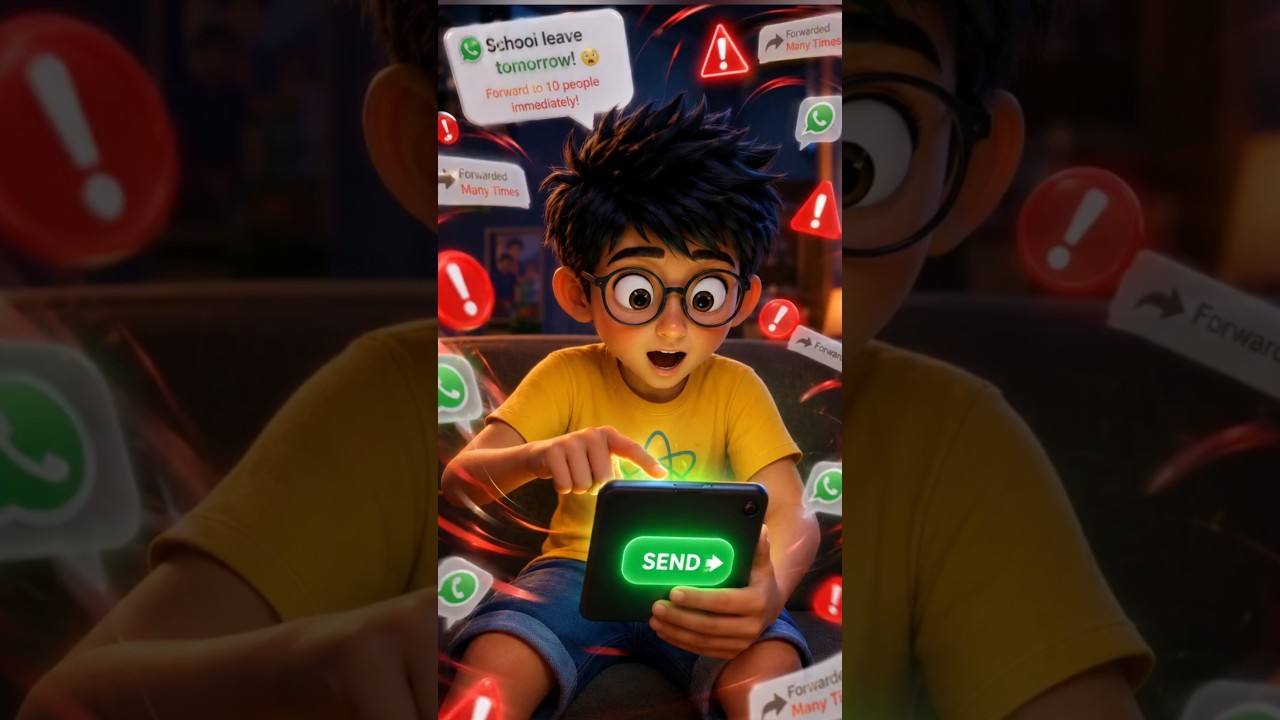
📢 Lesson 7: The Echo Chamber
In the echo chamber, Krishna reminds Lokesh and Varsha that a WhatsApp message repeated many times is not proof until it has been verified.
Remember: verify a message before you forward it.
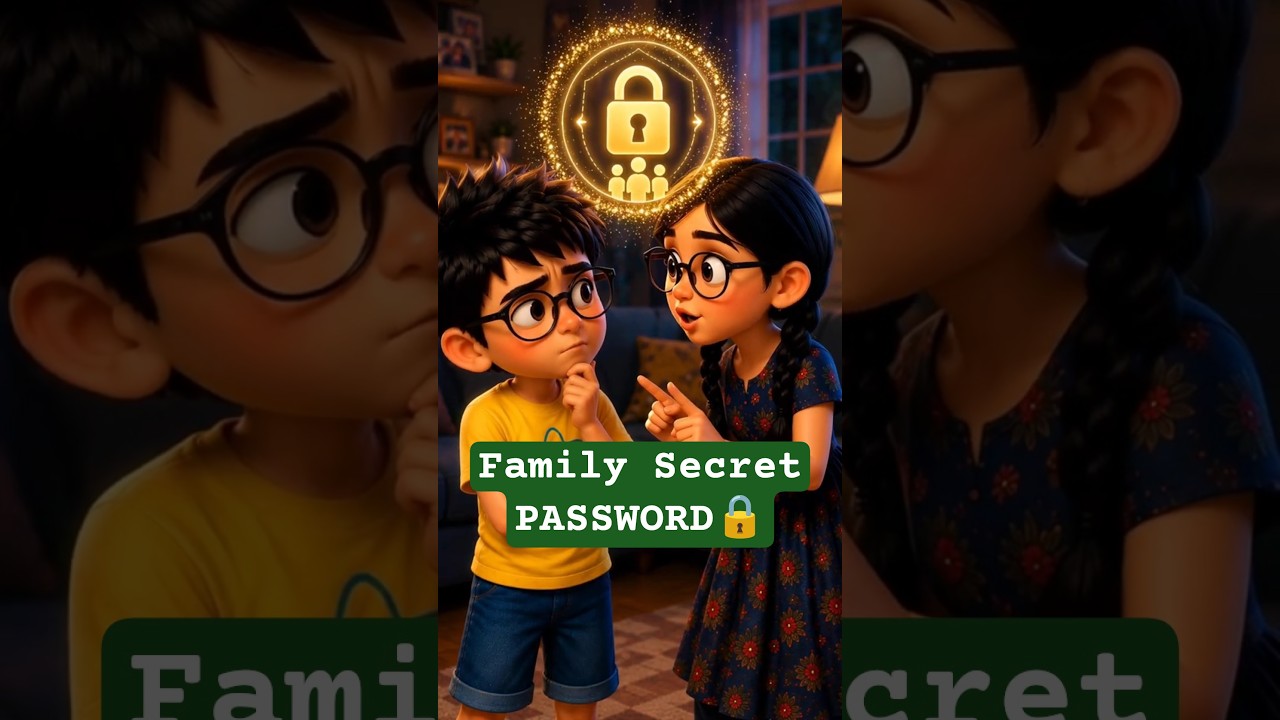
🚨 Lesson 8: Beware of AI Voice Spoofing!
An AI-cloned voice tricks Lokesh. Krishna and Varsha step in and show how scammers copy voices, and why a secret family password matters.
Remember: agree a secret family password to check who is really calling.
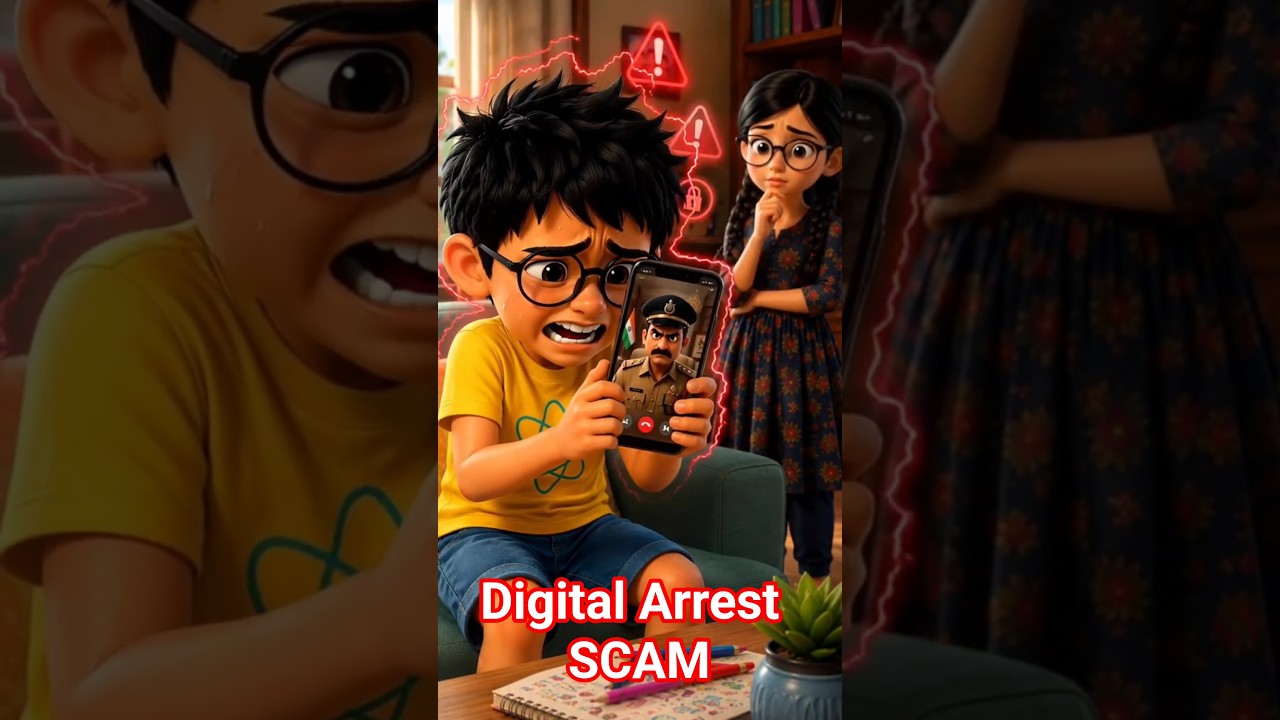
👮♂️ Lesson 9: Digital Arrest Scam
Lokesh gets a frightening call saying he is under "Digital Arrest." Krishna and Varsha show that it is fake.
Remember: Disconnect. Inform. Stay calm.
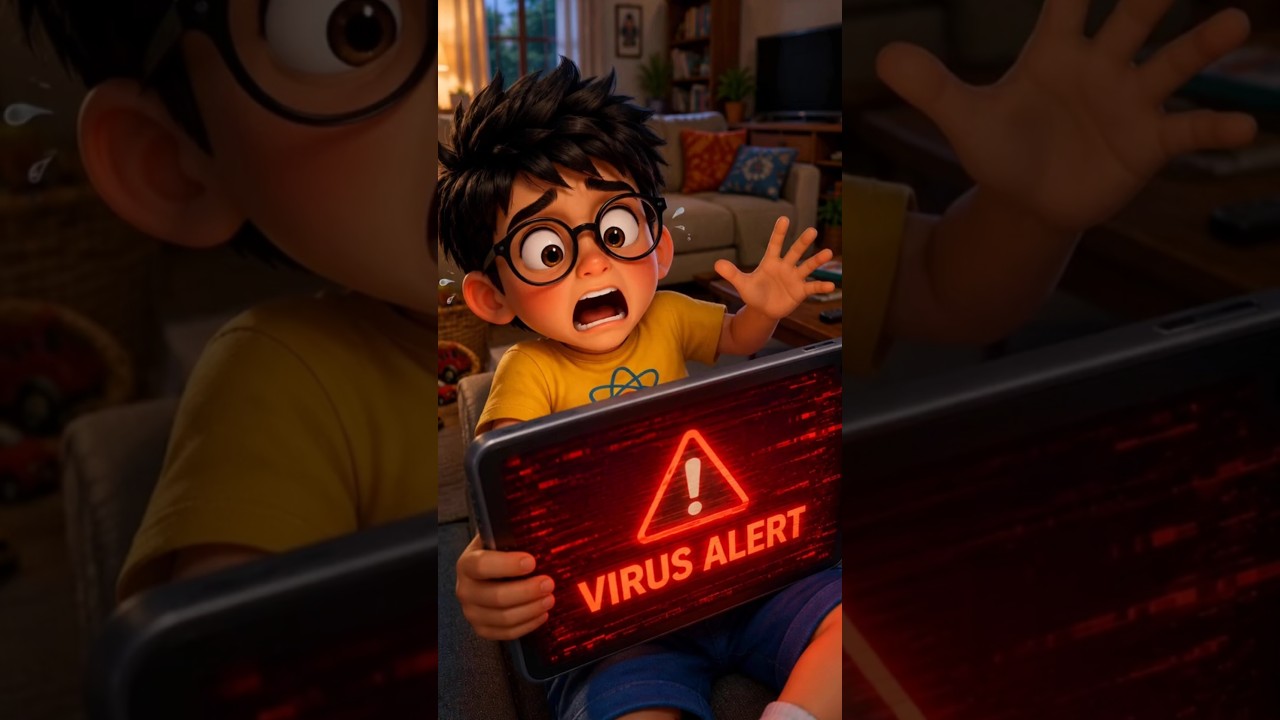
💻 Lesson 10: The Fake Tech Support Scam
A scary VIRUS DETECTED alert flashes on Lokesh's tablet. Krishna and Varsha reveal that it is a scam.
Remember: Hang up. Verify. Never install.
The rules in one place
- Look before you tap. Tempting links can be tricks. Lesson 2
- Strong passwords, kept private. Lesson 3
- Think before you post. Online actions leave a footprint. Lesson 4
- Be kind online. Lesson 5
- Balance screens with real life. Lesson 6
- Verify before you forward. Lesson 7
- Use a secret family password. For calls that sound like someone you know. Lesson 8
- Digital arrest call? Disconnect, inform, stay calm. Lesson 9
- Virus pop-up or tech support call? Hang up, verify, never install. Lesson 10
- Watch one lesson, then ask your child what they would do in Lokesh's place.
- Set up your family password after Lesson 8, so everyone knows it before it's needed.
- Have a question the lessons don't answer? Ask Lokesh and Varsha. It answers in English and Tamil.